


Benefits
- 5% off every purchase all winter, ending 28 February
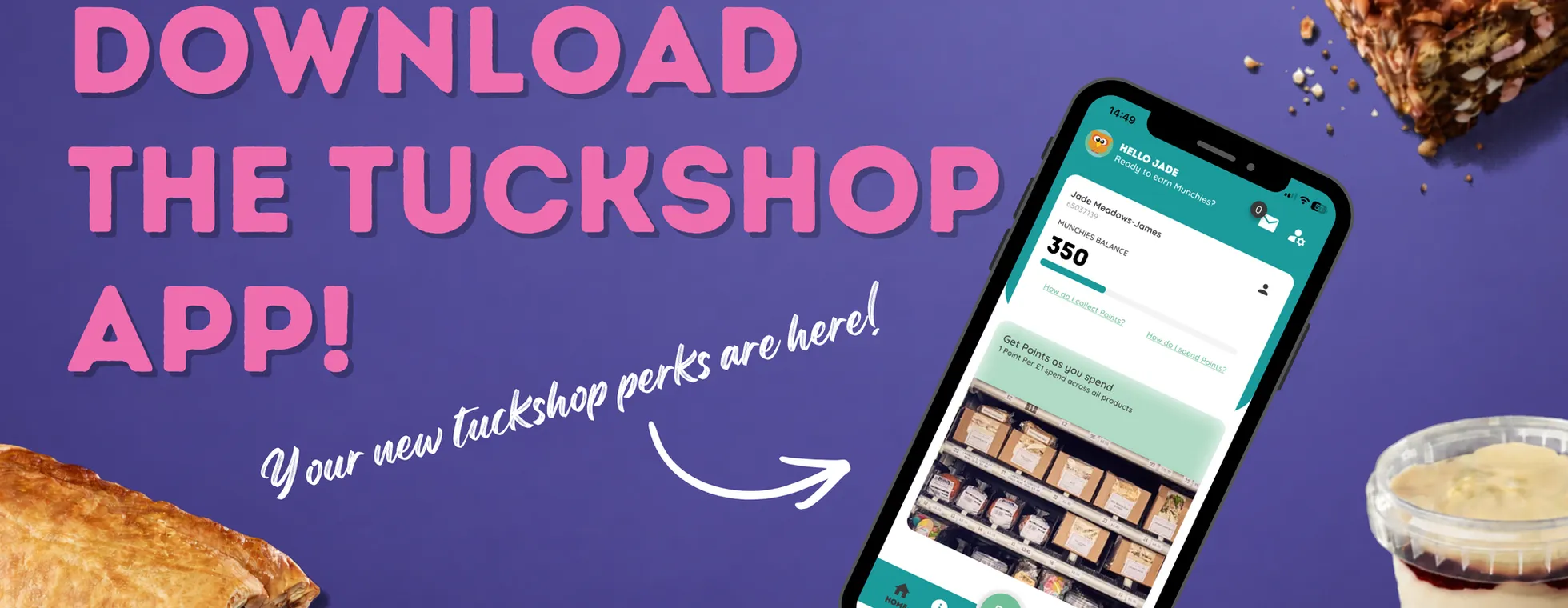
- £3.50 free: 350 Munchies once your profile is complete
- Earn 5 Munchies for every £1 you spend (100 Munchies = £1)
- Double Munchies, Monday to Thursday: 10 for every £1
- Four in a Month bonus: visit on 4 separate days in a month
- Every purchase supports a local producer
Getting started
Download the app, then complete your profile with your name and telephone number. We only use the number to contact you if help is ever needed.
Collecting Munchies
- On the terminal, tap the QR icon
- The display switches to a camera. Hold up the QR code from your app
- Wait while the terminal checks your account
- Your account is confirmed and your balance shows briefly
- Choose your item from the machine
- Tap your card, Apple Pay or Google Pay. Your Munchies are added
Spending Munchies
- On the terminal payment screen, tap the Start button
- Choose your item from the machine
- When asked to pay, press the QR code button
- The display switches to a camera. Hold up the QR code from your app
- Wait while the terminal checks your account
- Your Munchies pay for your item
Munchies can be spent once you have enough to cover an item's full price. For example, 350 Munchies covers an item costing £3.50 or less.